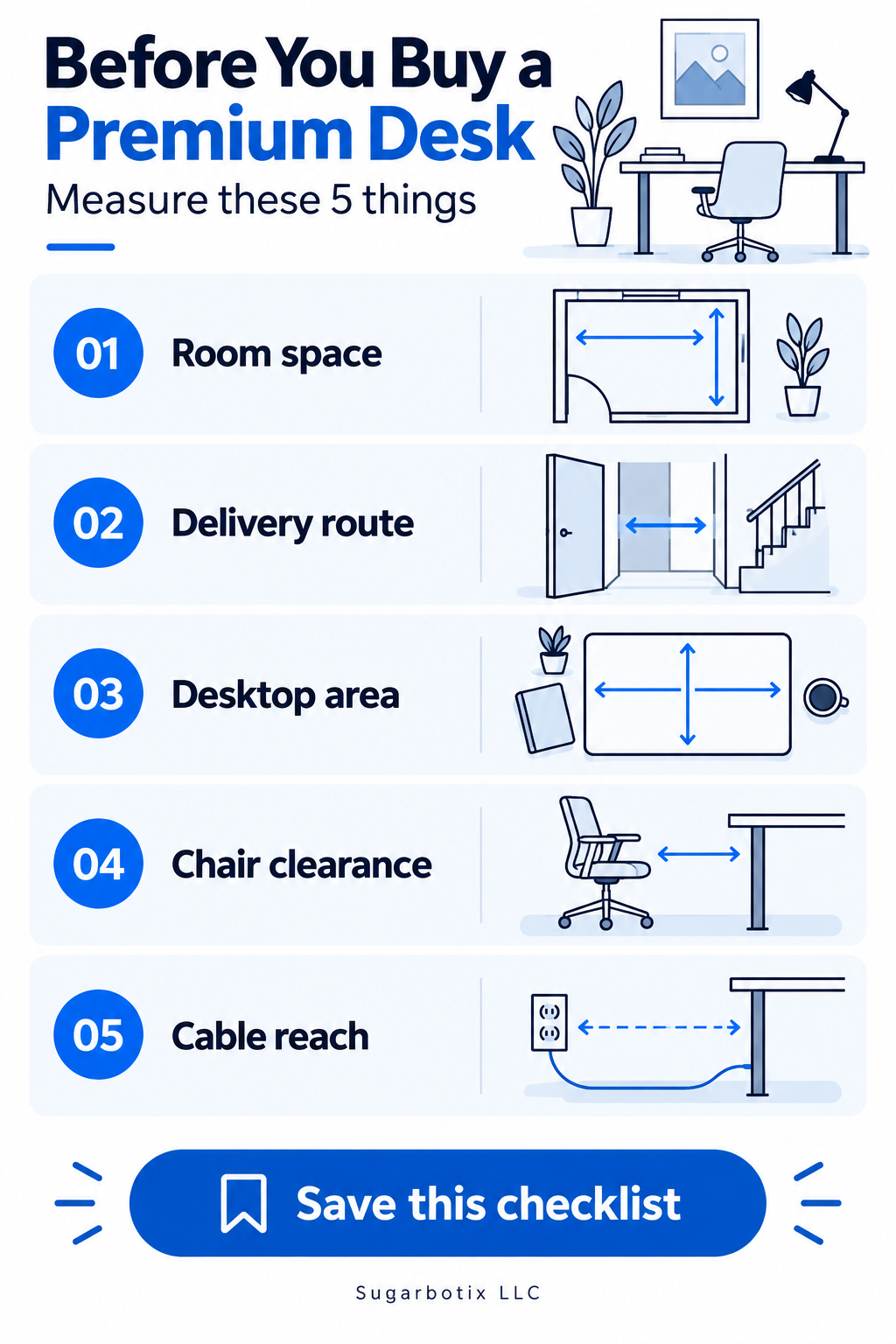
Before you buy a premium desk
Measure the footprint, delivery route, equipment surface, chair clearance, and access to power.
Read the desk guide →Practical checklists for comparing premium desks, office chairs, lighting, and the details that decide whether a product will work in your room.
Browse the guidesFieldwork turns a complicated home-office purchase into a short list of questions you can answer. The guides are designed to help you define your needs before product photos and promotions shape the decision.
We are building for US shoppers. We do not claim hands-on testing unless a guide states exactly what was tested, and we separate manufacturer facts from our own planning advice.
Measure the footprint, delivery route, equipment surface, chair clearance, and access to power.
Read the desk guide →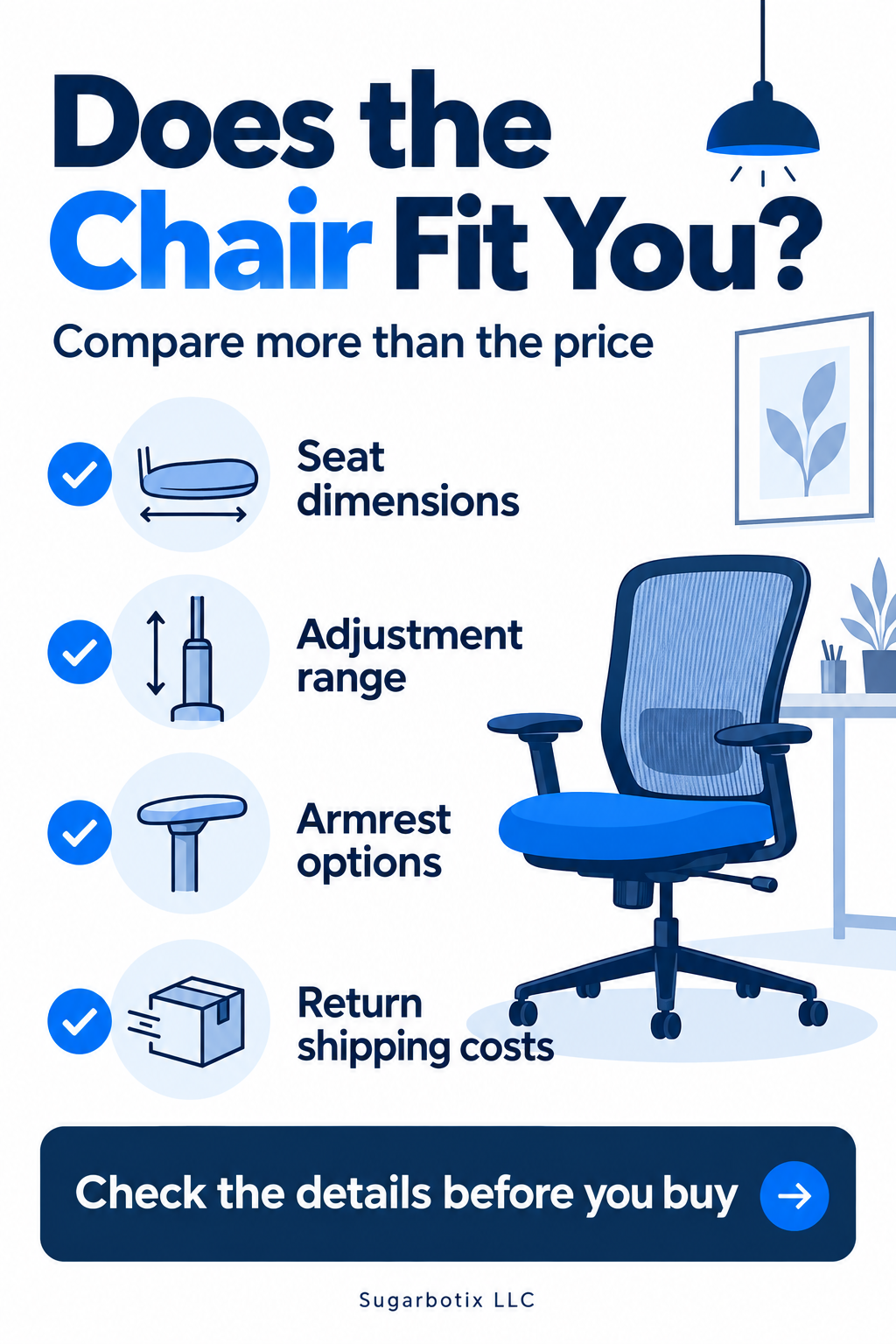
Compare seat dimensions, adjustment range, armrests, warranty terms, and the cost of a return.
Read the chair guide →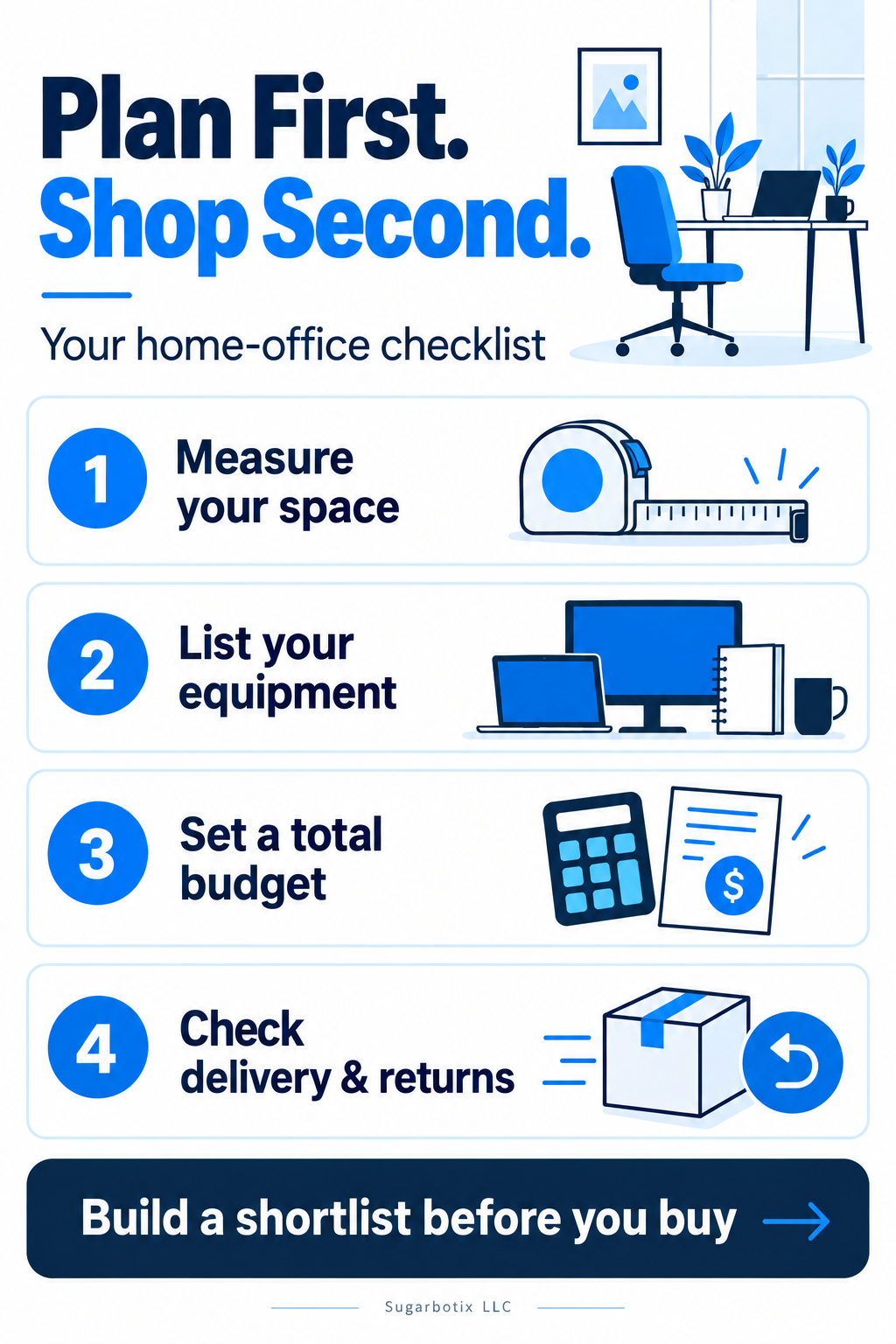
Start with your equipment, available space, full budget, and a shortlist of workable alternatives.
Read the planning guide →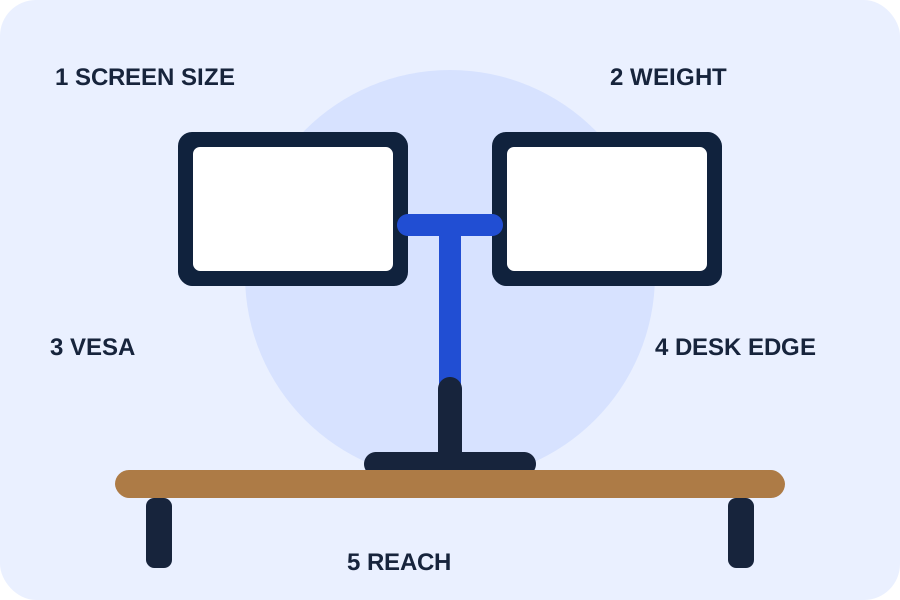
Compare a budget pole mount, an everyday full-motion option, and a higher-capacity model.
Compare monitor arms →Map moving, fixed, power, and data cables before choosing a home-office cable tray, sleeve, raceway, or mount.
Read the guide →Compare laptop stands using device dimensions, ventilation, viewing height, stability, keyboard use, and portability.
Read the guide →Place home-office task lighting by checking screen glare, hand shadows, brightness control, color appearance, and cable routing.
Read the guide →Evaluate an office footrest using chair height, desk clearance, platform size, angle, stability, and movement preference.
Read the guide →Plan a keyboard tray using desk structure, knee clearance, input-device width, travel, mounting depth, and cable movement.
Read the guide →Plan home-office power using outlet location, device loads, adapter spacing, surge protection, cable paths, and adjustable-desk movement.
Read the guide →Specifications should trace back to a current manufacturer or retailer source.
A specification is not a hands-on test. We say what we know and what we have not verified.
If a link can earn us a commission, we say so next to the recommendation.